Confirming your payment…
This usually takes a few seconds. Please keep this page open.
Thank You for Your Purchase!
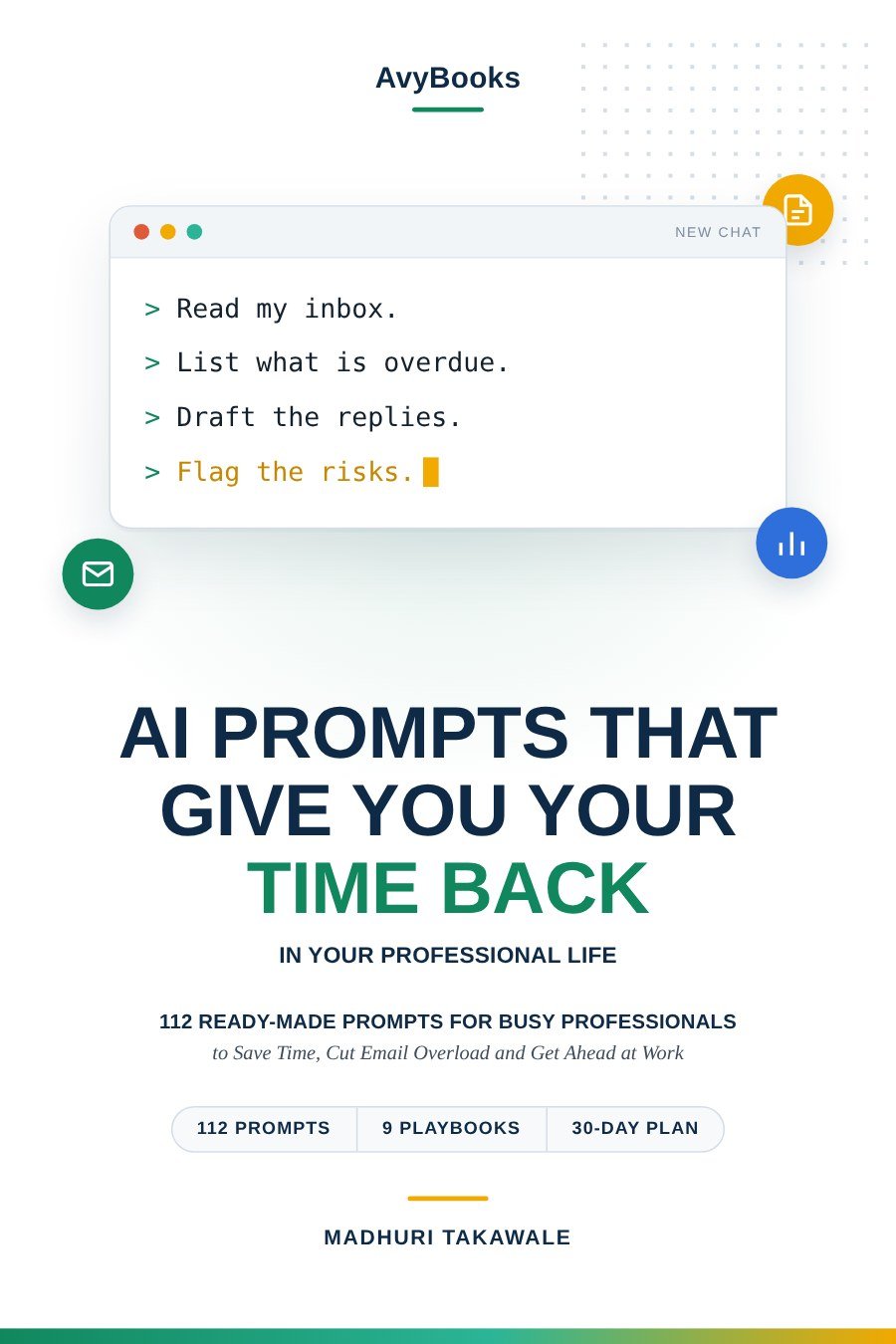
Your eBook is ready. Thank you for choosing AI Prompts That Give You Your Time Back.
The toolkit is a ZIP file. On a computer, open it and choose Extract all (Windows) or double-click it (Mac), then open 00_START_HERE_Quick_Start_Guide.pdf. On a phone, use the Files app to open it.
Open the PDF in your browser instead (handy on iPhone and iPad)
Keep your personal download link. Bookmark this page or copy the link below. It lets you download the eBook again any time from any device, at no extra cost.
For your security, this download link expires shortly. To get a fresh link, simply reload this page; reloading never charges you again.
Your payment is still processing
UPI, bank and some card payments can take a few minutes to confirm. We're checking automatically. Your download will appear here as soon as it's confirmed. Please don't pay again.
This is taking longer than usual
If your bank or UPI app shows the payment as successful, you don't need to pay again. As soon as Razorpay confirms it, we'll email your download link to the address you used at payment. You can also come back to this page later and enter that email or mobile number.
Just paid? Get your eBook here
Enter the email address or mobile number you used when paying. We'll find your payment and your download will appear straight away. We'll also email you a personal download link.
Haven't bought it yet? Download Book · Need help? Email support
Check your inbox
We've emailed your personal download link. It usually arrives within a minute. Please also check your Spam or Promotions folder.
Downloads are temporarily unavailable
We couldn't reach the download service just now. If you've paid, your purchase is safe: we'll email your download link to the address you used at payment within a few minutes. You can also try again shortly.
How to download
Save the PDF on any device
iPhone
- Tap Download Your eBook (PDF).
- If the PDF opens, tap the Share icon.
- Choose Save to Files or Books.
Android phone or tablet
- Tap Download Your eBook (PDF).
- Open it from the notification or the Files › Downloads folder.
- Use any PDF reader, such as Google Drive.
iPad, Windows or Mac
- Click Download Your eBook (PDF).
- Find it in your Downloads folder (iPad: Files app).
- Open it in your browser or any PDF reader.
Where to start: if you have 20 minutes, read Chapter 2 (the SHARP prompt) and Chapter 3 (the 4-P safety check), then try prompt #09, the Action Ledger, on a few of your own emails with the names removed.
Payment completed but no download? Check your inbox (and Spam folder) for our email with your download link, or enter your email or mobile number at the top of this page. Still stuck? Email support. Please don't pay a second time.